

Overview
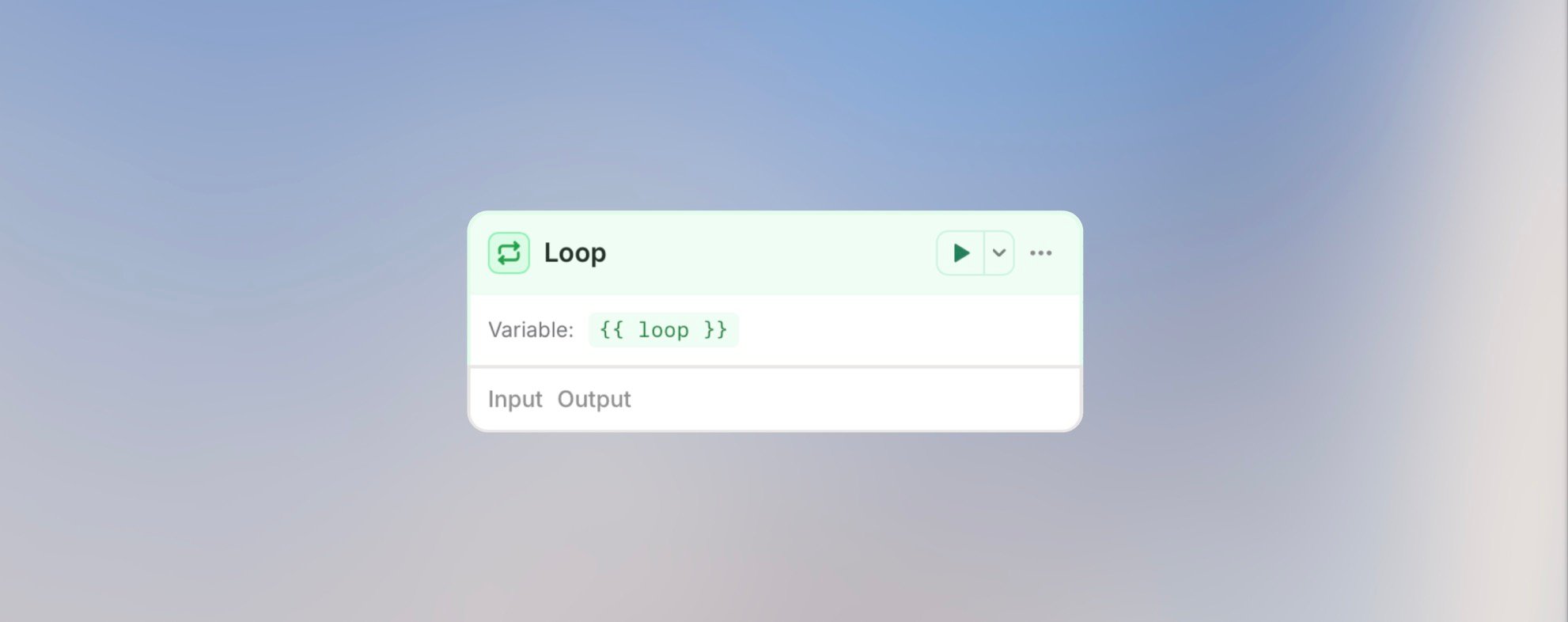
The Loop node processes arrays of data - iterate through lists of customers, orders, files, or any collection, applying the same logic to each item.Best for: Batch processing, processing multiple records, generating
individual reports, and iterating over lists.
Configuration
Input Array: Select the array to loop overAdvanced Options
Concurrency: Enable parallel processing of loop iterations When enabled, all iterations run simultaneously instead of one after another. This significantly speeds up loops but requires that iterations don’t depend on each other.
Collect Outputs: Gather all iteration results into a single array
When enabled, the loop end node outputs an array containing results from every iteration. This is useful for aggregating data processed in the loop.
The collected output is also available to nodes that run later in the same workflow run, including nodes inside an enclosing outer loop.
Inside the Loop
The loop node’s slug becomes your variable name. Access the current item and iteration info:Example Use Cases
Process Customer List
Batch Update Records
Generate Individual Reports
Parallel Image Processing (Concurrency)
Aggregate Results (Collect Outputs)
Best Practices
Always Set Max Iterations
Always Set Max Iterations
Prevent infinite loops and runaway costs. Set a reasonable maximum.
Batch When Possible
Batch When Possible
Instead of 100 individual agent calls, batch items into groups of 10.
Handle Empty Arrays
Handle Empty Arrays
Add a condition before the loop to check if array has items.
Monitor Costs
Monitor Costs
Loops with AI agents can be expensive. Calculate: cost per item × number of
items.
Cost Warning
Next Steps
Agent Node
Process items with AI
Cost Management
Optimize loop costs