

Documentation Index
Fetch the complete documentation index at: https://docs.langdock.com/llms.txt
Use this file to discover all available pages before exploring further.
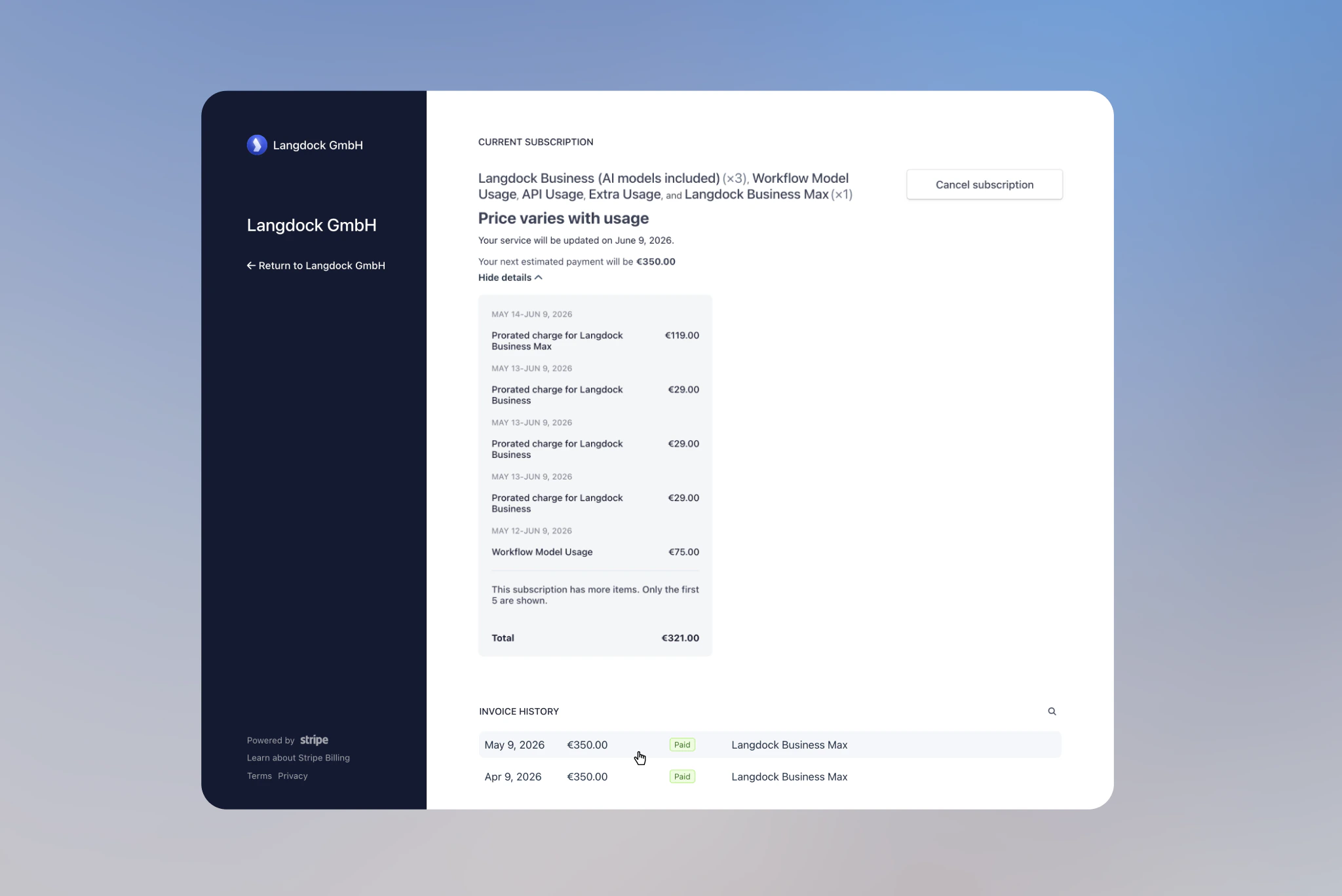
Accessing Your Invoices
Only workspace administrators can access Workspace Settings. If you cannot see the Workspace Settings, reach out to your Langdock administrator.
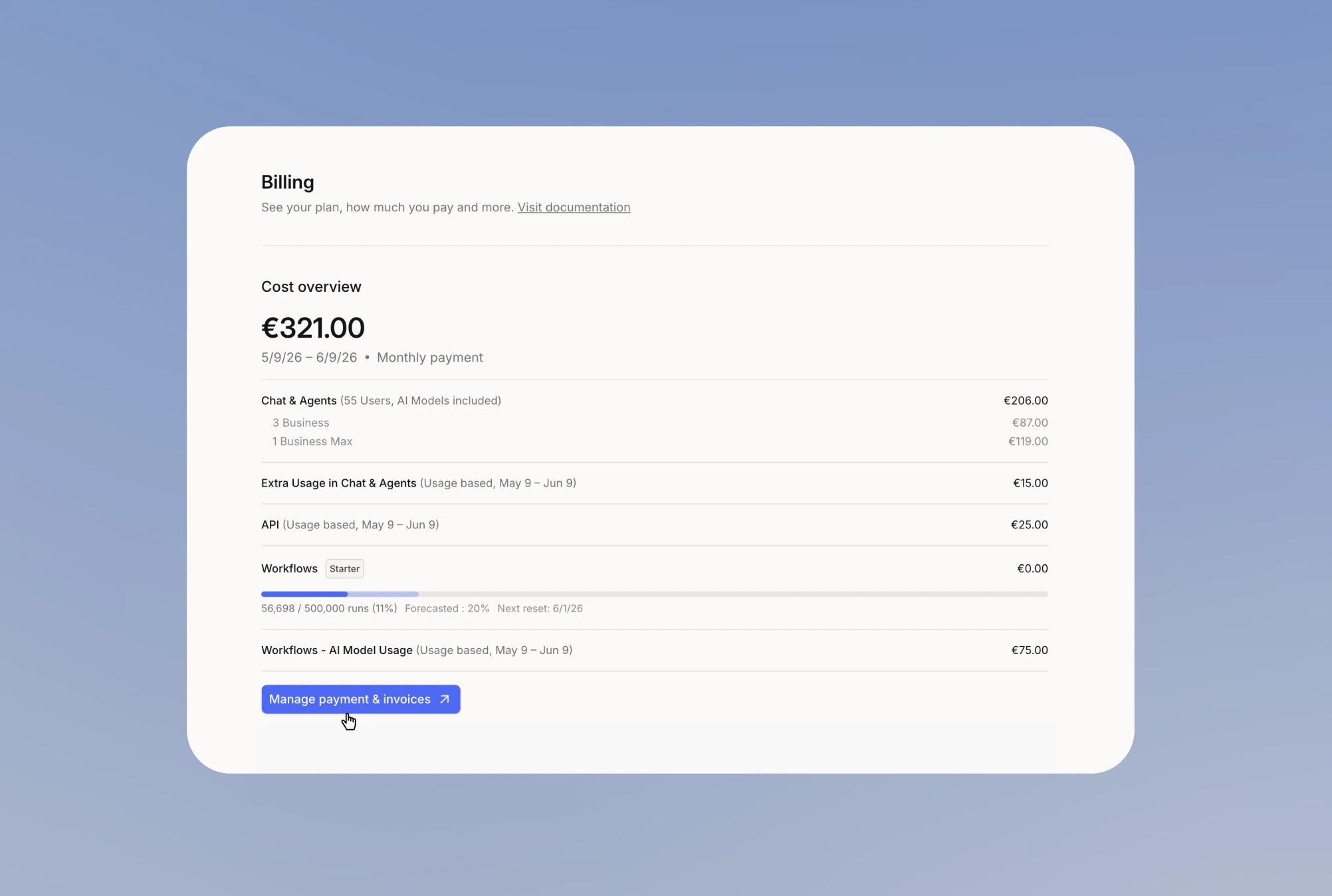
Navigate to Billing Settings
Go to Workspace Settings → Billing.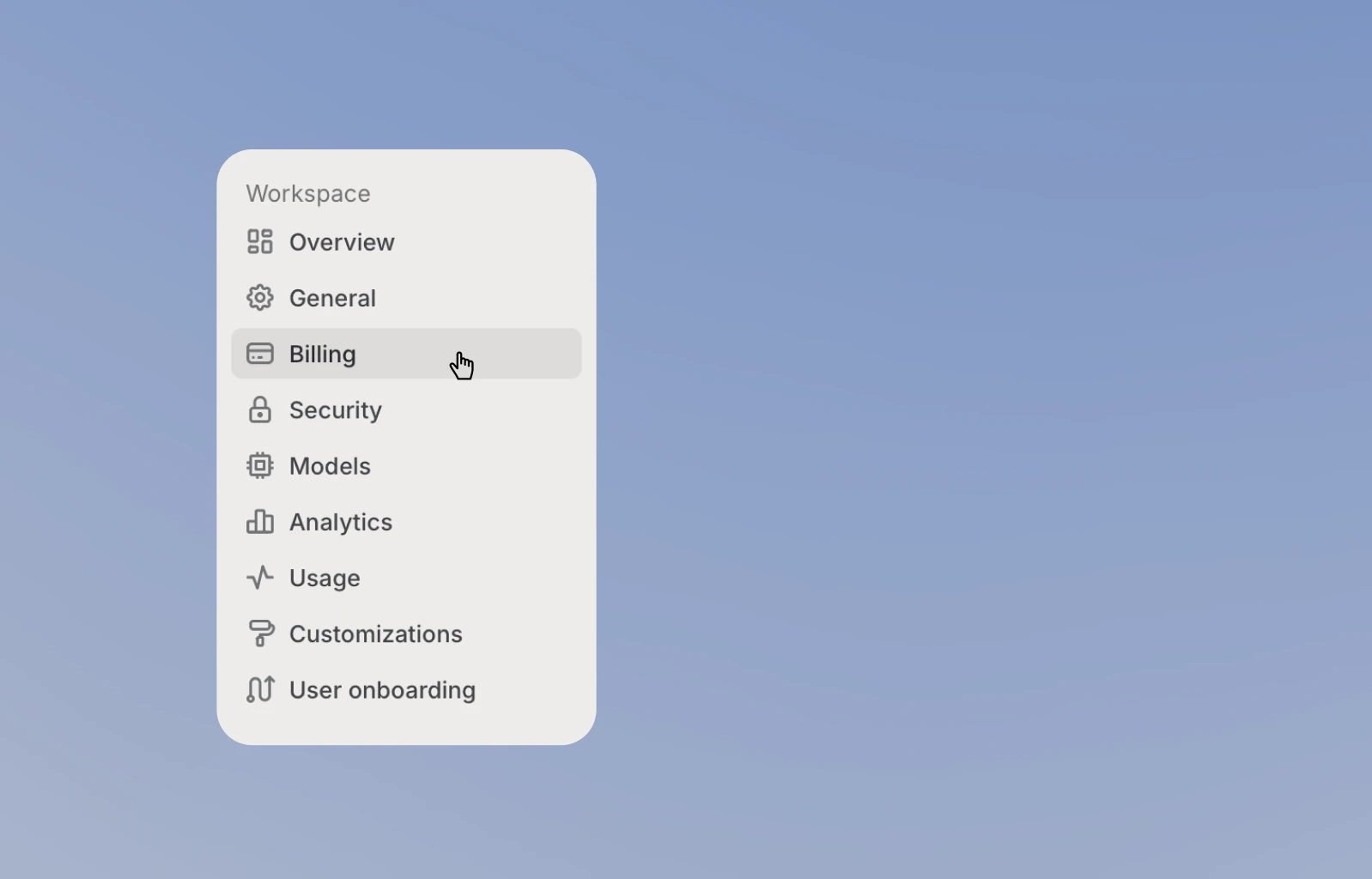
What’s Included in Each Invoice
Billing Details
- Invoice number and date
- Billing period covered
- Payment method used
- Total amount charged
Usage Breakdown
- Seat count for the billing period
- Prorated adjustments
- Extra Usage when enabled
- API usage when enabled
- Workflow usage when enabled
- Any applicable discounts
- Tax information by region
Understanding Prorated Billing
Invoices automatically adjust when you add or remove team members during a billing period.Example Invoice
| Description | Qty | Unit price | Tax | Amount |
|---|---|---|---|---|
| Workflow Model Usage 9 May 2026 to 9 Jun 2026 | 75,000 | €0.001 | 0% | €75.00 |
| Remaining time on 3 × Langdock Business (AI models included) after 24 Apr 2026 24 Apr to 9 May 2026 | 3 | 0% | €43.50 | |
| Unused time on 2 × Langdock Business (AI models included) after 24 Apr 2026 24 Apr to 9 May 2026 | 2 | 0% | -€29.00 | |
| Langdock Business (AI models included) 9 May 2026 to 9 Jun 2026 | 3 | €29.00 | 0% | €87.00 |
| Langdock Business Max 9 May 2026 to 9 Jun 2026 | 1 | €119.00 | 0% | €119.00 |
| Extra Usage in Chat & Agents 9 May 2026 to 9 Jun 2026 | 0% | €15.00 | ||
| API 9 May 2026 to 9 Jun 2026 | 0% | €25.00 | ||
| Subtotal | €335.50 | |||
| Total | €335.50 | |||
| Amount due | €335.50 |
Taxes depend on your billing setup and region. Your invoice may include VAT or other taxes.
How It Works
Prorated billing means you only pay for the time a seat is active in your workspace. You can flexibly add or remove seats during a billing period and only pay for the time the seat is active, but this can make invoices harder to read. The following section walks through an example of how the correction appears on your invoice. You can split the seat subscription part of the invoice into two sections: Past period corrections: adjust for users added or removed during the billing period. Upcoming period charges: the current number of users at the start of the new period.API and Workflow usage can appear as separate line items based on usage. See Pricing and Workflow cost management for details.
Breakdown of the Example
This invoice combines a prorated seat change, seat subscription costs, and usage costs. Seat corrections for the previous period:- 1 Business seat was added on April 24th, bringing the total to 3 Business seats.
- Langdock charges the remaining half month for 3 Business seats: €43.50.
- Langdock credits the unused half month for the 2 original Business seats: -€29.00.
- Net seat adjustment: €14.50
- 3 Business seats × €29 = €87.00
- 1 Business Max seat × €119 = €119.00
- Total seat subscription costs: €206.00
- Extra Usage in Chat & Agents: €15.00
- API usage: €25.00
- Workflow AI Model Usage: €75.00
- Total usage costs: €115.00
Explain Your Invoice With Langdock
Langdock can help you understand your invoice. Upload your invoice to Langdock, then copy and send this prompt:Invoice explanation prompt