Documentation Index
Fetch the complete documentation index at: https://docs.langdock.com/llms.txt
Use this file to discover all available pages before exploring further.
SAML Overview
Security Assertion Markup Language (SAML) 2.0 is the standard protocol Langdock uses for Single Sign-On (SSO) authentication. With SAML, your users can sign in to Langdock using their existing corporate identity provider credentials.Setup Checklist
Before configuring SAML, complete the following steps:- Navigate to the Security section in your workspace settings

- Ensure you have admin access to your Langdock workspace and your identity provider
- Enable Join by domain

- Add your domain
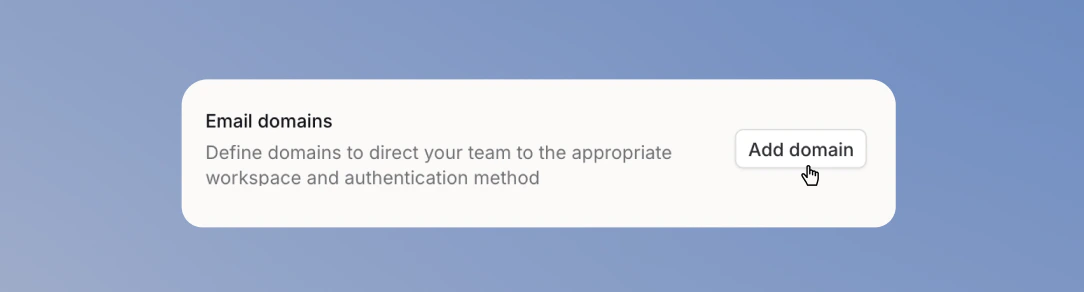
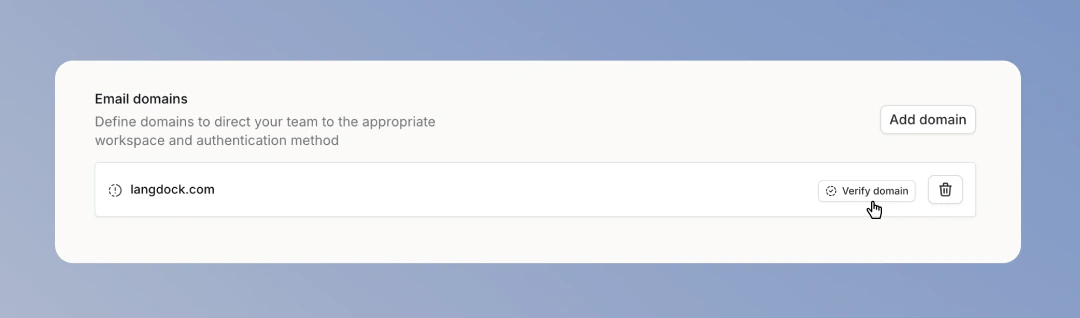
- Verify your domain before enabling SAML
- Create and configure a SAML application in your identity provider
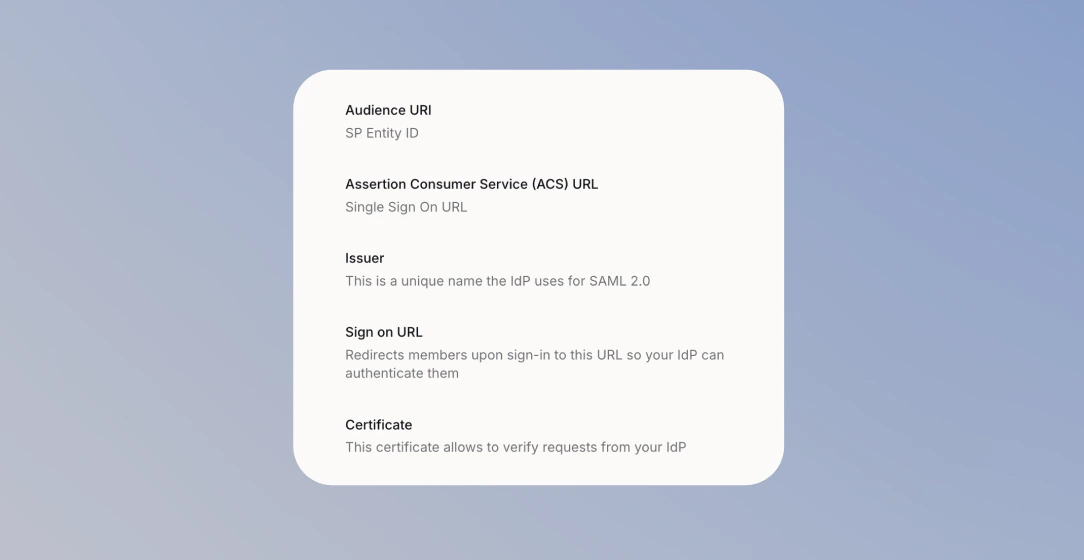
- Copy the SAML values into Langdock: Issuer, Sign on URL, Certificate, and Audience URI
Continue only after Langdock has verified your domain. You cannot turn on SAML Active before verification is complete.
- Turn on SAML Active
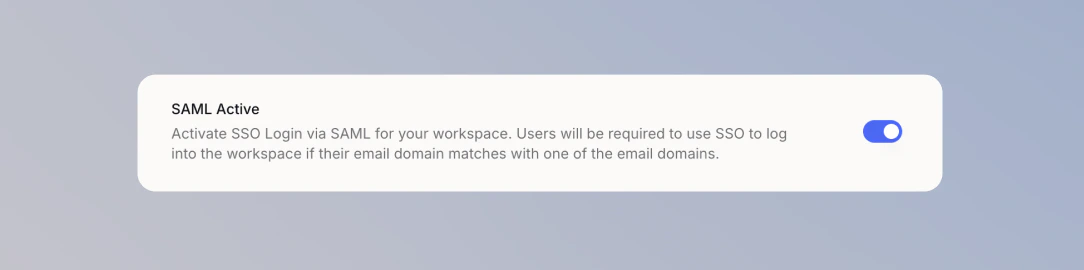
- Test SAML login in a separate browser or incognito window before signing out
Supported Identity Providers
Langdock supports SAML 2.0 with any compatible identity provider. We provide step-by-step guides for:Password Login and SAML
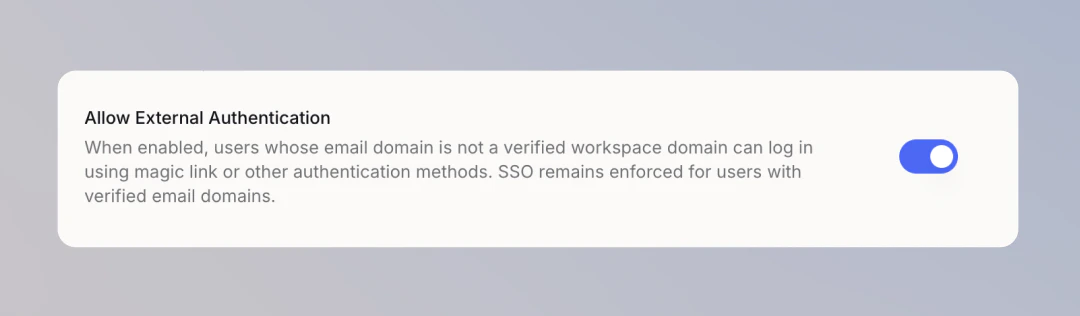
SAML SSO is enforced for verified domains. Turn on Allow External Authentication to let people outside verified domains sign in with a magic link or other available authentication methods.