

Agents API
Agents Completions API
Creates a model response for a given Agent using Vercel AI SDK compatible format.
POST
Creates a chat completion with an agent (Vercel AI SDK compatible)
Creates a model response for a given agent ID, or pass in an Agent configuration that should be used for your request. This endpoint uses the Vercel AI SDK compatible message format for seamless integration with modern AI applications.
Earlier messages with
Before You Start
- Agent access: To share an agent with an API key, follow this guide.
- Vercel AI SDK compatible: This endpoint uses the Vercel AI SDK’s UIMessage format, making it compatible with the
useChathook and other Vercel AI SDK features. - MCP: You can also access your agents via the Langdock MCP Server, which lets MCP-compatible AI clients call your agents directly.
Base URL
Parameters
Message Format (Vercel AI SDK UIMessage)
The Agents API uses the Vercel AI SDK’s UIMessage format for maximum compatibility with modern AI frameworks.UIMessage Structure
Each message in themessages array should contain:
role: "system" stay in the request as ordinary user context. They are not treated as a system prompt.
The last message is the current turn only when role is user. A last message with any other role is dropped.
Message Part Types
User message parts (for sending):
Agent message parts (returned in responses — include in conversation history when sending follow-up messages):
Example Messages
User Message with Text
User Message with Attachment
To attach files to a message, upload them via the Upload Attachment API and reference the returned UUIDs in the message’s
metadata.attachments array. Do not use type: "file" parts for uploaded attachments — that format is reserved for inline file references (e.g., data URIs).Agent Message with Tool Call
Agent Configuration
When creating a temporary agent using theagent parameter, you can specify:
name- Name of the agent (max 64 chars)instructions- System instructions (max 16384 chars)description- Optional description (max 256 chars)temperature- Temperature between 0-1model-idfrom the Models APIcapabilities- Enable features like web search, Create & work with files, image generation, canvasknowledgeFolderIds- IDs of Knowledge bases to useattachmentIds- Array of UUID strings identifying attachments to use
Configuration Notes
- Available models: Retrieve a list of available models using the Models API. Send the returned
id. Completions rejects a deployment name that maps to more than one accessible row. Unique names and Anthropic aliases still work. - Field naming: The inline agent configuration field names differ from the Create and Update Agent APIs. This endpoint uses
instructions(plural) andtemperature, while the CRUD endpoints useinstruction(singular) andcreativity. The completions endpoint also accepts a nestedcapabilitiesobject, while the CRUD endpoints use flat boolean fields. attachmentIdscurrently not functional: The agent cannot read files referenced throughattachmentIdsin the inline agent configuration. Instead, usemetadata.attachmentson individual messages to reference uploaded files per message, or create a persistent agent with theattachmentsfield via the Create Agent API.
Using Tools via API
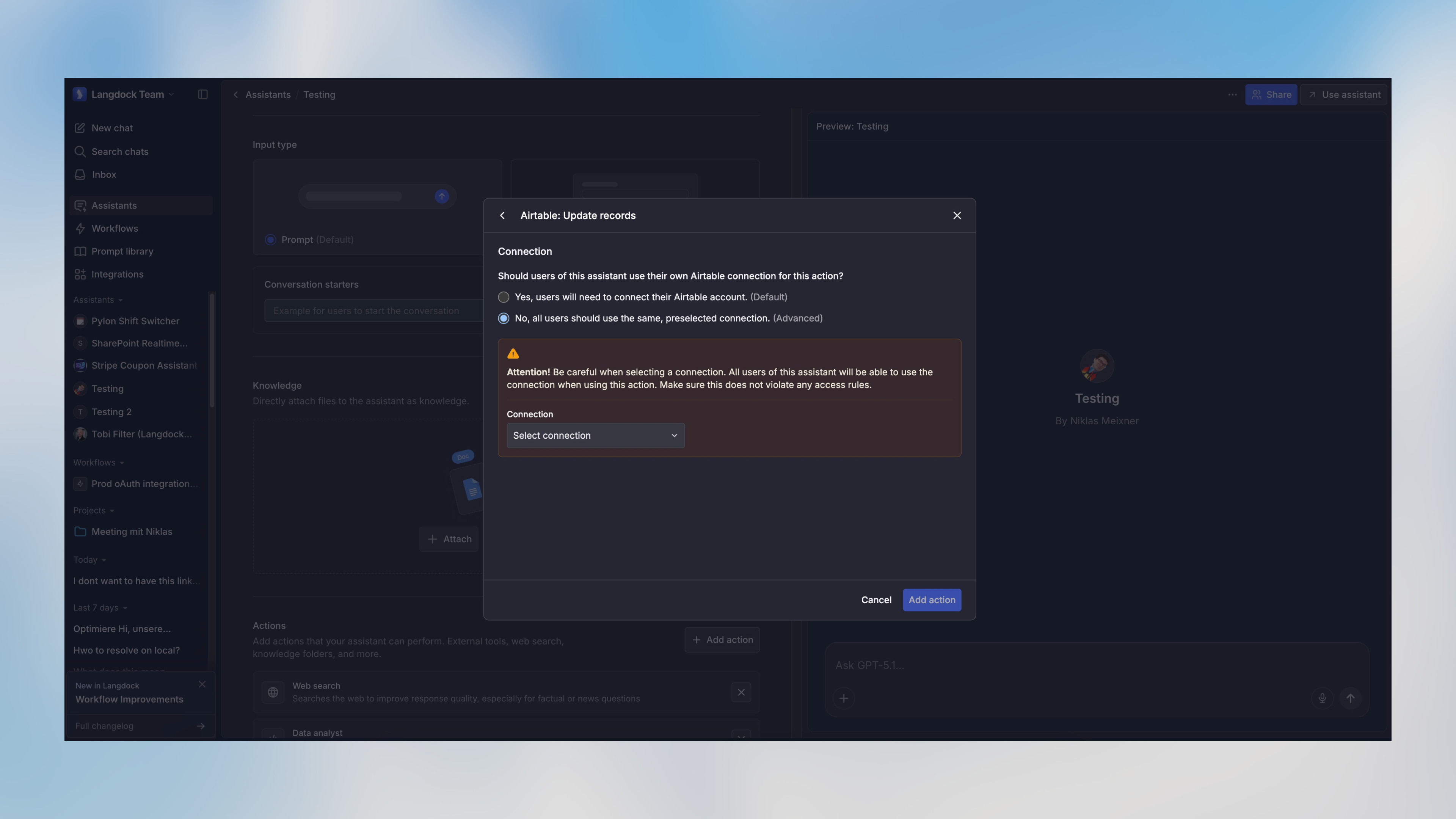
When an agent has tools configured (called “Actions” in the Langdock UI), it will automatically use them to respond to API requests when appropriate. Tools authenticate with a preselected connection on the agent, or with a connection shared with the API key.A workspace API key runs as a service account. Tools need a preselected connection or a connection shared with that key.
Structured Output
You can specify a structured output format using the optionaloutput parameter:
The
output parameter behavior depends on the specified type:
type: "object"with no schema: Forces the response to be a single JSON object (no specific structure)type: "object"with schema: Forces the response to match the provided JSON Schematype: "array"with schema: Forces the response to be an array of objects matching the provided schematype: "enum": Forces the response to be one of the values specified in theenumarray
You can use tools like easy-json-schema to generate JSON Schemas from example JSON objects.
Streaming Responses
Whenstream is set to true, the API returns a stream using the Vercel AI SDK streaming format, compatible with the useChat hook and other Vercel AI SDK features.
Using with Vercel AI SDK useChat Hook
Manual Stream Handling
Obtaining Attachment IDs
To use attachments in your agent conversations, first upload the files using the Upload Attachment API. This returns anattachmentId (UUID) for each file. You can then use attachments in two ways:
- Per-message (recommended): Include the attachment UUIDs in the message’s
metadata.attachmentsarray. This lets you reference different files in different messages within the same conversation. - Agent-level: Include the UUIDs in the
attachmentsarray when creating or updating a persistent agent. All messages sent to that agent will have access to these files.
Response Format
The API returns a JSON object containing amessages array with the agent’s response:
Standard Response
The response contains amessages array. Each message has:
id- Unique identifier for the messagerole- Always"assistant"for completion responsescontent- The agent’s text response as a plain string
Structured Output
When the request includes anoutput parameter, the response will automatically include an output field containing the formatted structured data. The type of this field depends on the requested output format:
- If
output.typewas “object”: Returns a JSON object (with schema validation if schema was provided) - If
output.typewas “array”: Returns an array of objects matching the provided schema - If
output.typewas “enum”: Returns a string matching one of the provided enum values
Examples
Using an Existing Agent with Attachment
Using a Temporary Agent Configuration
Using Structured Output with Schema
Using with Next.js Server Actions
Rate Limits
The default limits are 500 RPM (requests per minute) and 150,000 TPM (tokens per minute).- RPM is enforced per workspace, model, and API key.
- TPM is shared by all API keys using the same model in a workspace.
- On dedicated deployments, admins can configure custom limits per model in Settings > Workspace > Products > API.
429 Too Many Requests response.
Error Handling
400- Invalid request parameters, malformed message format, agent not found, agent not shared with API key, or an attached integration file the API key cannot read401- Invalid or missing API key429- Rate limit exceeded, or the integration rate-limited the access check for an attached integration file500- Server error503- Access check unavailable for an attached integration file
400 and 429 responses also return them in details.attachmentIds.
Langdock intentionally blocks browser-origin requests to protect your API key and ensure your applications remain secure. For more information, please see our guide on API Key Best Practices.
Authorizations
API key as Bearer token. Format "Bearer YOUR_API_KEY"
Body
application/json
ID of an existing agent to use
Array of UIMessage objects (Vercel AI SDK format)
Specification for structured output format. When type is object/array and no schema is provided, the response will be JSON but can have any structure. When the type is enum, you must provide an enum parameter with an array of strings as options.
- Option 1
- Option 2
- Option 3
Response format for images generated by the agent. "url" returns a signed URL, "b64_json" returns base64-encoded image data.
Available options:
url, b64_json